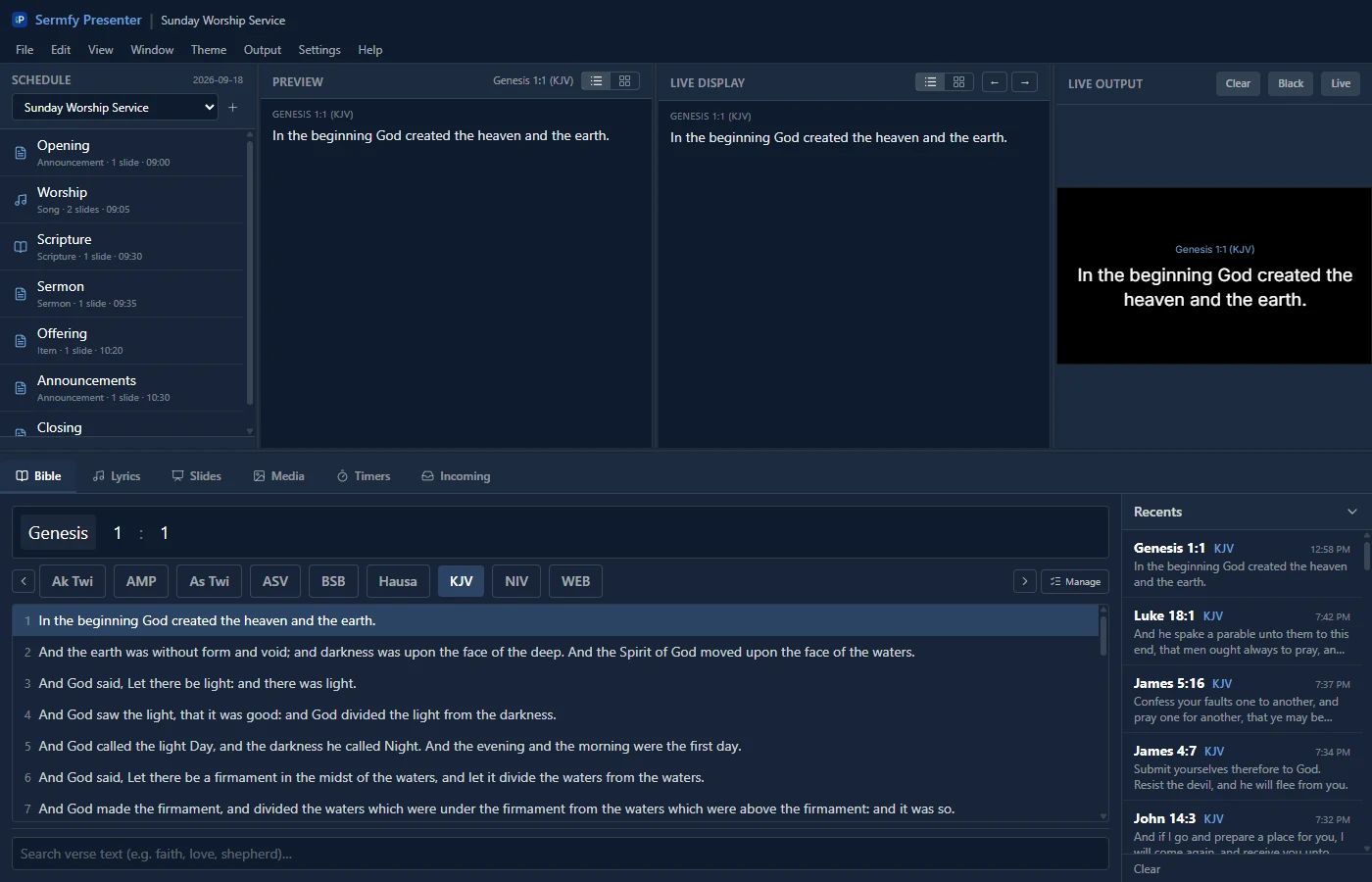
Sermfy CMS
AvailableAny browser
Church management in the browser, for church staff.
Can be added to your phone or computer as an app.
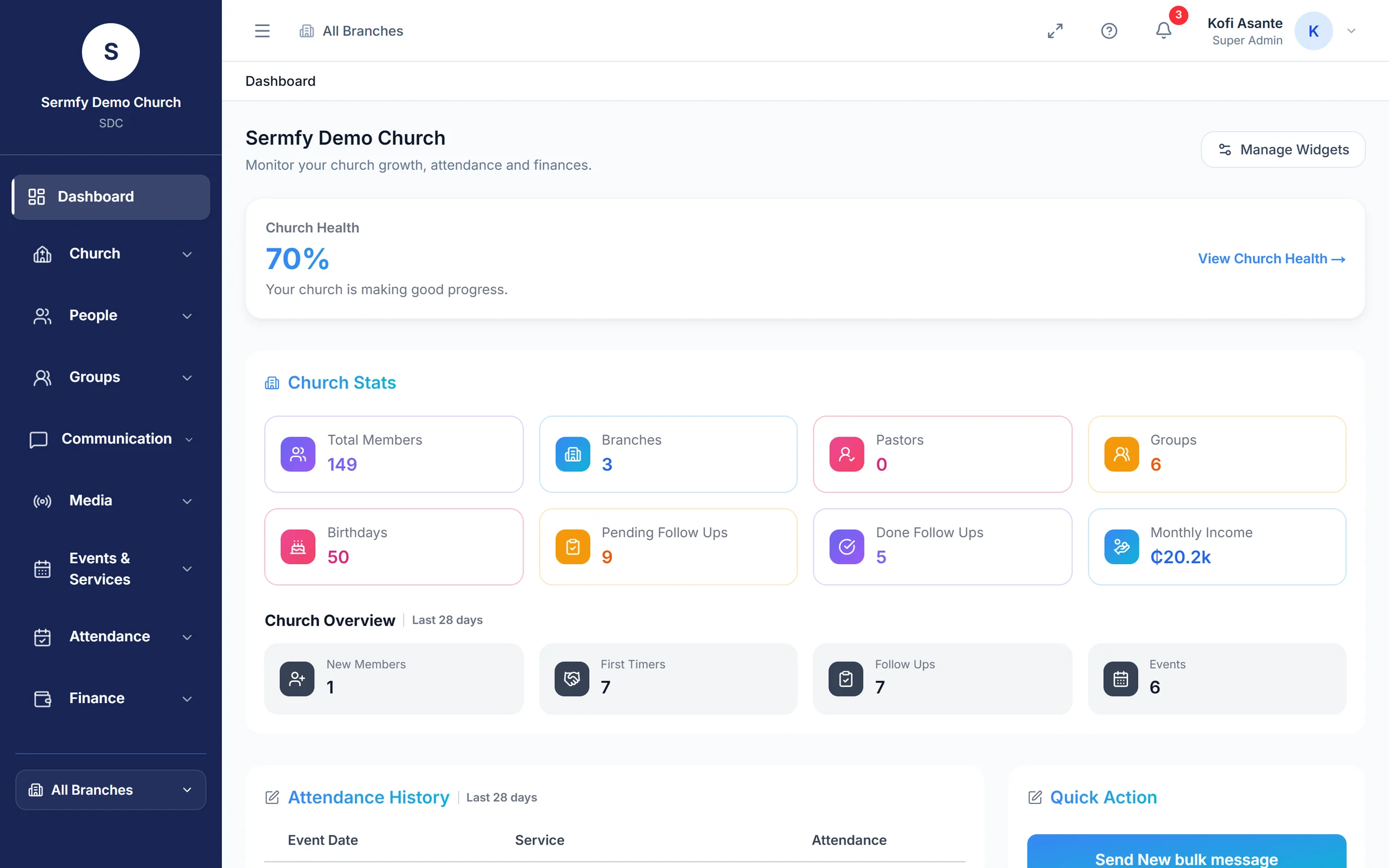
Where to find each app, what it runs on, and whether it's ready today.
Any browser
Church management in the browser, for church staff.
Can be added to your phone or computer as an app.

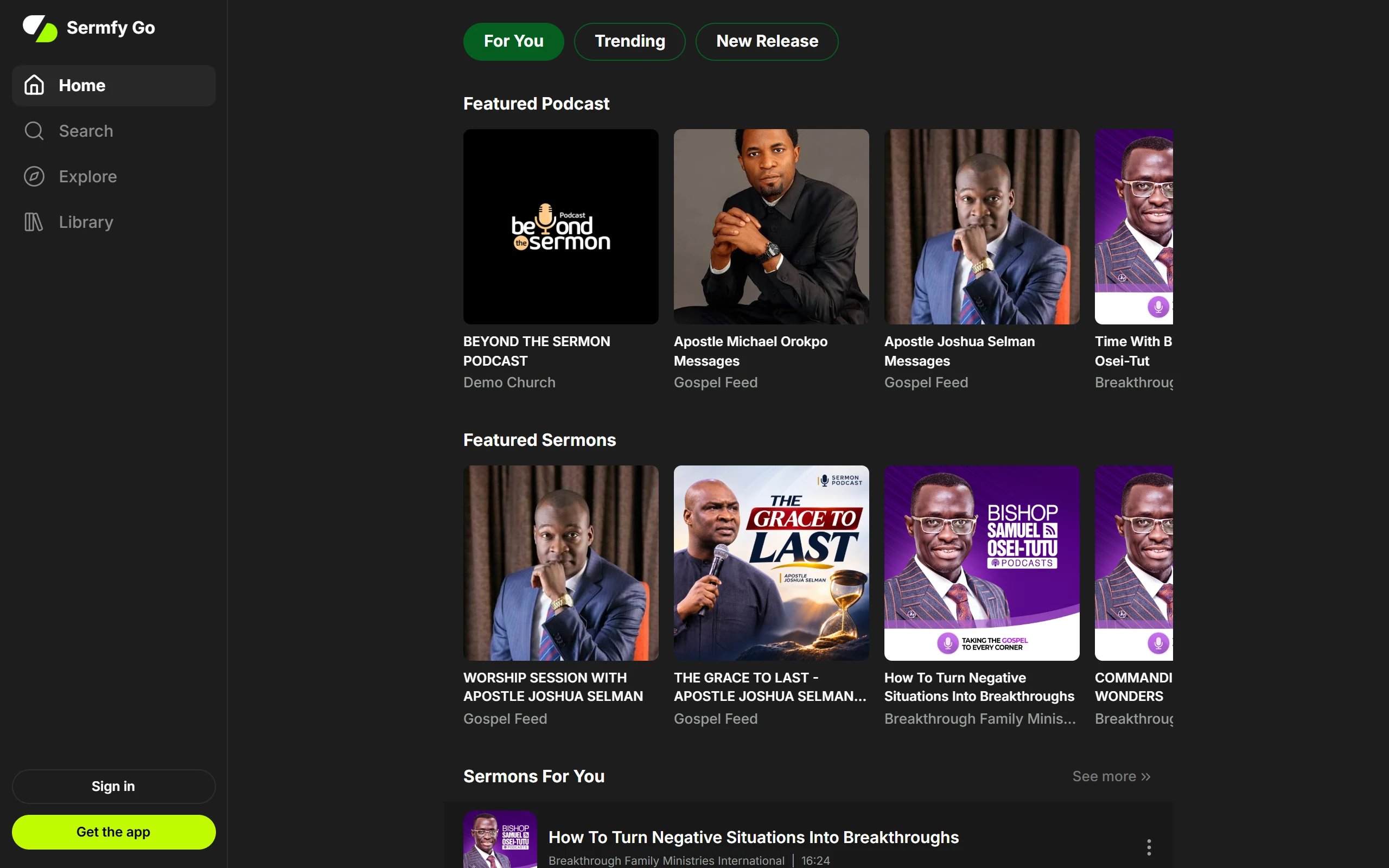
Any browser
Listen to podcasts from churches and ministries.
Can be added to your phone or computer as an app.



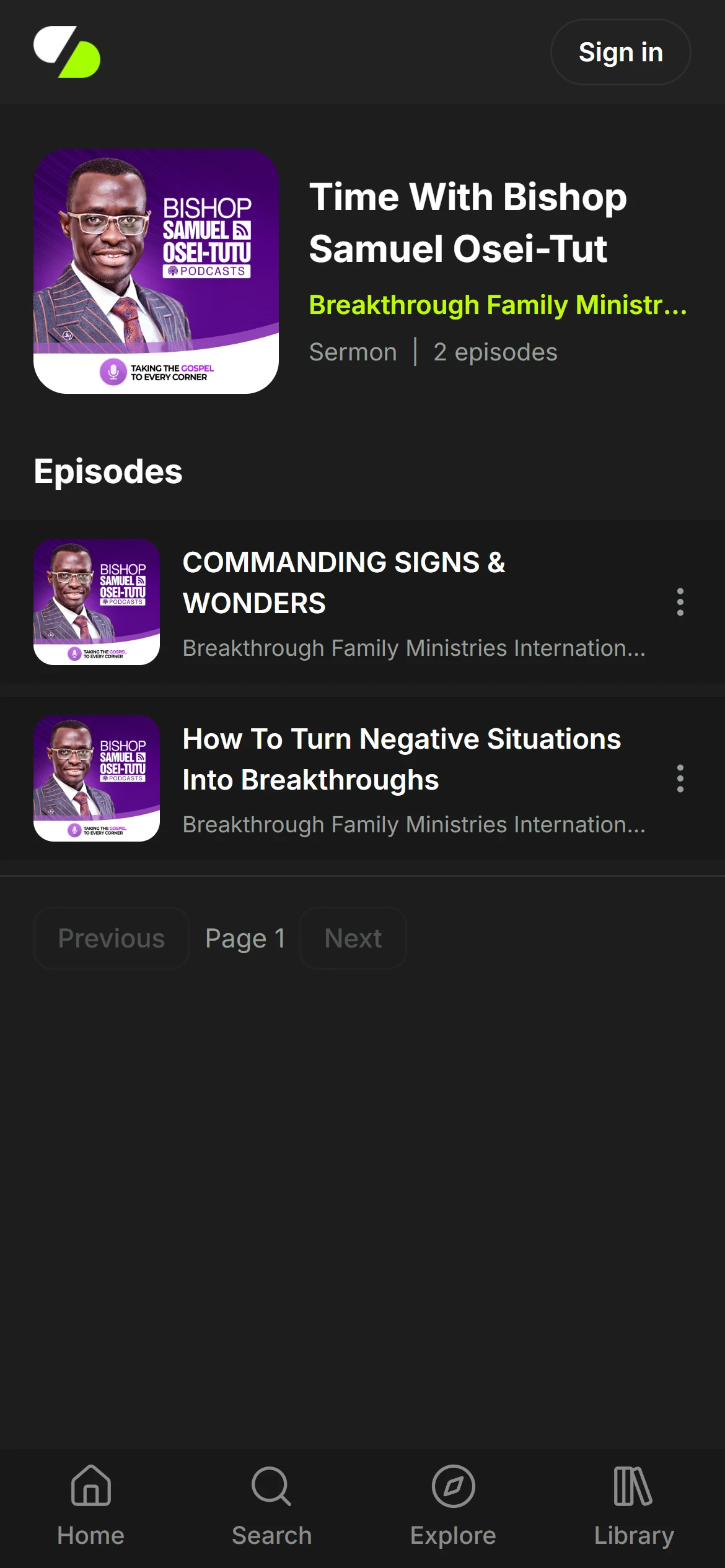
Android and iPhone
Sermfy CMS on your phone, for church staff.


Android. iPhone coming soon.
The app for church members. Sign in with your church code.
Version 0.4.2, about 75 MB

Android app. On iPhone, use the web app for now: iPhone app coming soon.
Podcasts from churches and ministries, with downloads for listening offline.
Version 0.2.10, about 112 MB
The apps aren't on Google Play yet, so they install from the downloaded file.
Tap Download for Android and wait for the download to finish.
Open the downloaded file. If your phone asks, allow your browser to install apps.
Tap Install, then open the app.
On iPhone, Sermfy Go works this way until the iPhone app is out. Sermfy CMS can be added the same way.
Open the web app in Safari, tap the Share button, then Add to Home Screen.
Open the web app in Chrome, tap the menu, then Install app or Add to Home screen.
Open the web app in Chrome or Edge and click the install icon at the end of the address bar.



Windows
Lyrics, scripture and slides for the church screen.